AngeMix
select your color source:
Drop an image here
or
Related hues on the color wheel — not mix formulas
Target Color
Match
ReadMe
Eliminate wasted paint, time and money with AngeMix, the paint color matching tool created by A Very Good Idea .
This app helps you achieve the perfect mix for Angelus leather paint and Speedball screen printing inks by generating a Mixed Result Formula based on a sample image that you provide.
You can also start from a Pantone Fashion, Home + Interiors swatch using Match By Pantone. Choose your paint line in Color Reference.
It also recommends the paints you'll need to bring your custom color to life.
Whether you're working with what you have or building out your collection, every match is an informed decision that makes you a stronger painter.
How It Works
- Upload Your Image: Press the upload button to choose a sample image from your device.
- Analyze Colors: The app will analyze the uploaded image, identify the dominant color and set it as its target color.
- Generate Formula: The app calculates the paint mixing ratio and displays the required paints for your active paint line.
- View Paint Recommendations: You will receive a list of paints to buy, along with the mixing instructions in both ounces and parts. With AngeMix Pro, filter results to only show colors you already own.
Match By Pantone
- Browse or search: Open Match By Pantone to explore the color grid, or search by Pantone name or number.
- Select a swatch: Search for or press a color to preview it. Color-relationship tools can highlight related hues on the grid for reference (not as mix formulas).
- Generate formula: Press Match This Color to calculate a mixing formula for that swatch using your active paint line.
- Look up from history: After a Match By Image match, use Look Up Pantone on a history card to open the nearest Pantone swatch for that target color.
Supplies
You will need the following supplies to mix your paint (Some links are affiliate links — we may earn a commission if you buy through them.):
-
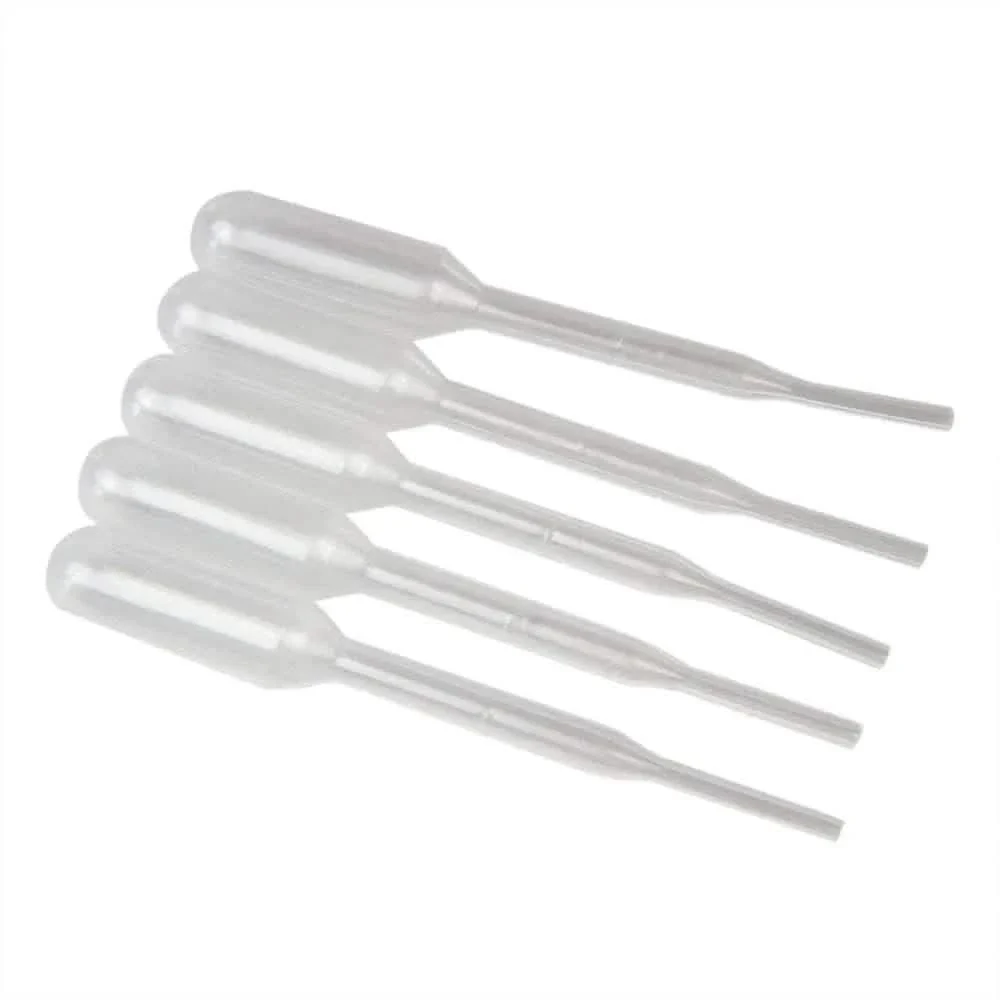 0.2ml eye dropper 1 per paint bottle, use to test mixture via parts ratio
 -
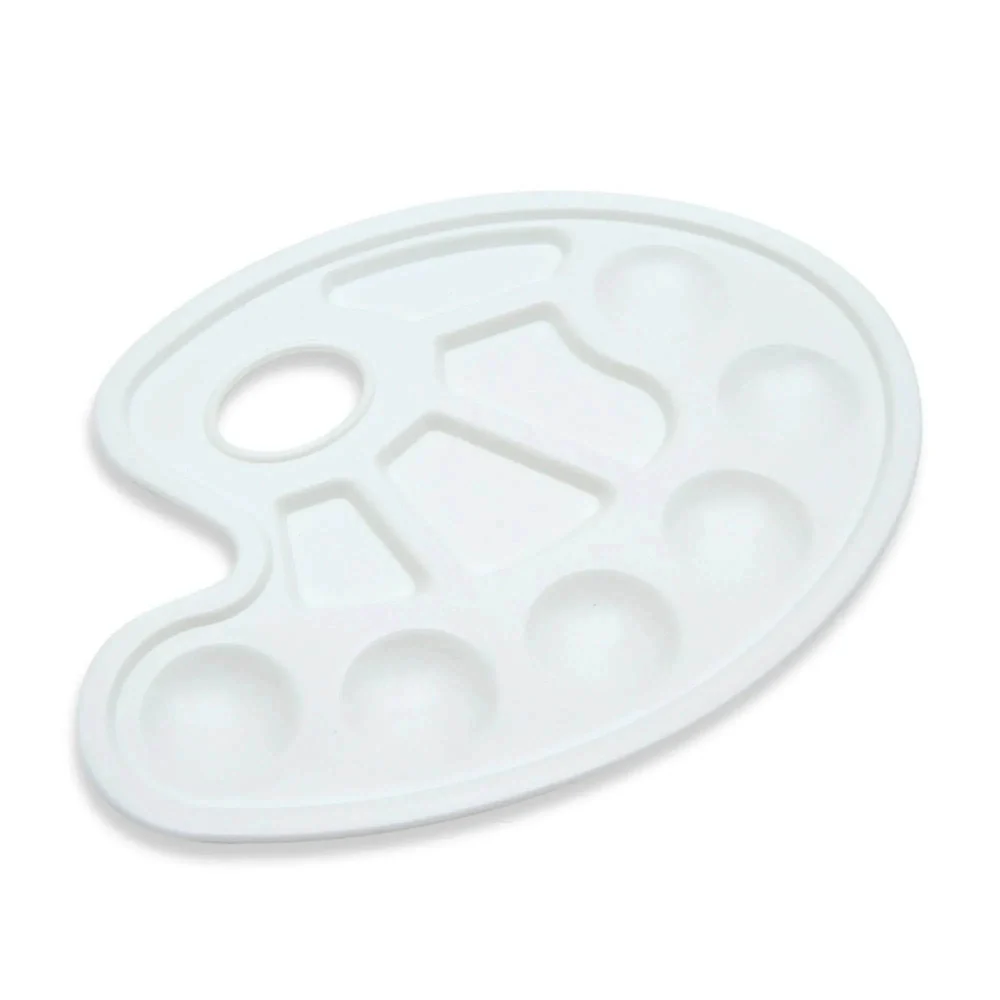 artist palette use to mix test paint
 -
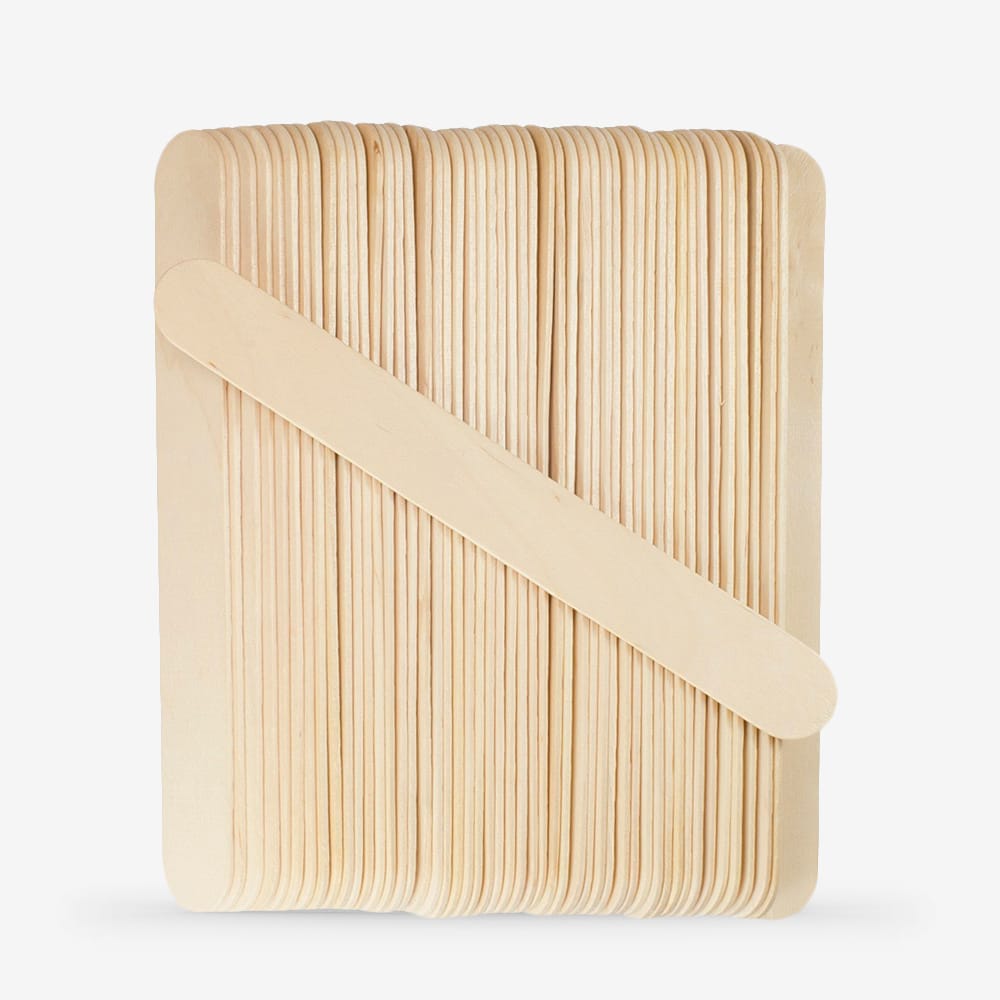 wood craft sticks use to stir test paint, let paint dry on stick to review color match
 -
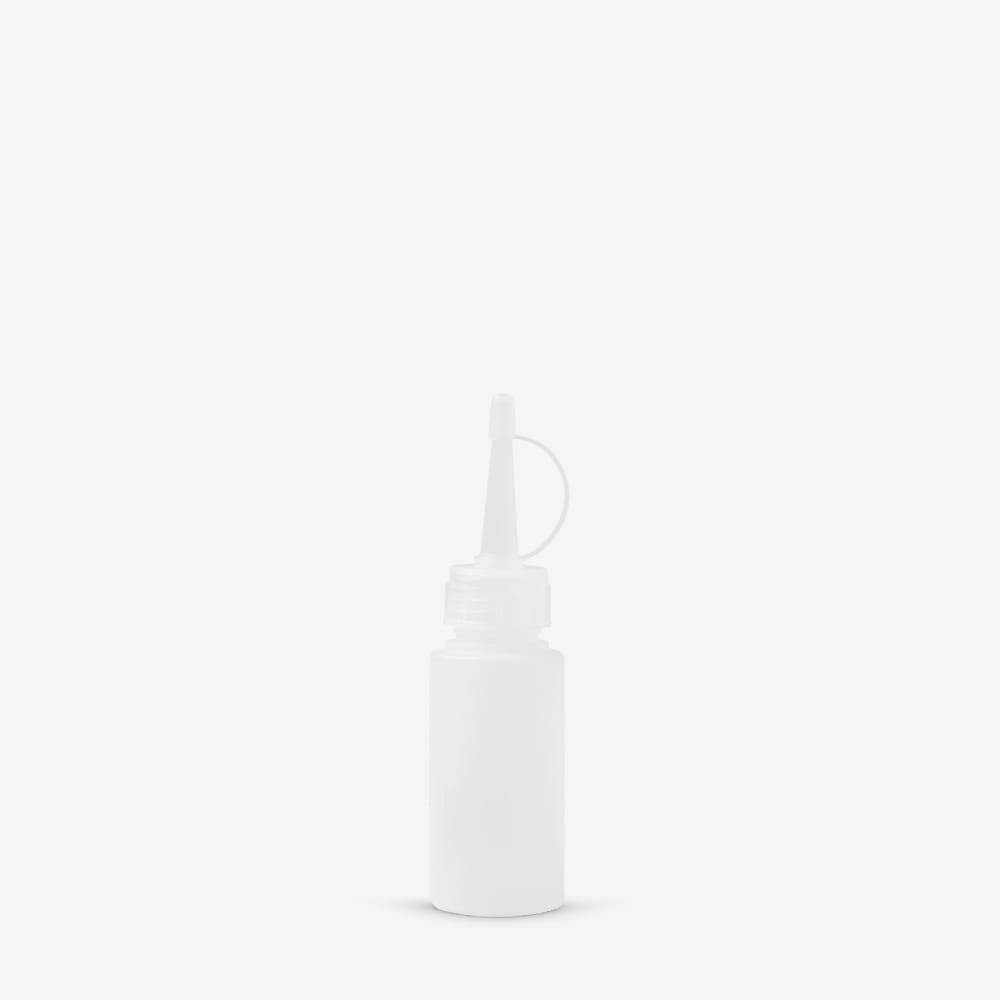 2oz (60ml) squeeze bottle 1 per paint mixture, once color match is satisfactory, use this bottle to pour your ounces in to and mix
Disclaimer
Please note the following:
- Color Accuracy: The app uses digital color matching techniques to approximate your desired color. However, due to differences in screen displays, lighting conditions, and physical paint characteristics, the final mixed color may vary slightly.
- Test Before Use: Always mix and test a small amount of paint (parts = drops) before applying it to your project to ensure the color meets your expectations.
- Supported Paint Lines Only: This tool is calibrated for Angelus Leather Paint and Speedball Acrylic Screen and Fabric Screen Printing Inks. Chart RGB values for Speedball are approximate; results may vary from wet ink and substrate. It may not produce accurate results with other brands or paint types.
We hope you enjoy using AngeMix to mix your custom paint colors! If you have any feedback or questions, feel free to reach out.
- Avery